
My places
Save Home, Work and your favorite places in Batumi — and route there in one tap. For signed-in users; part of Premium.
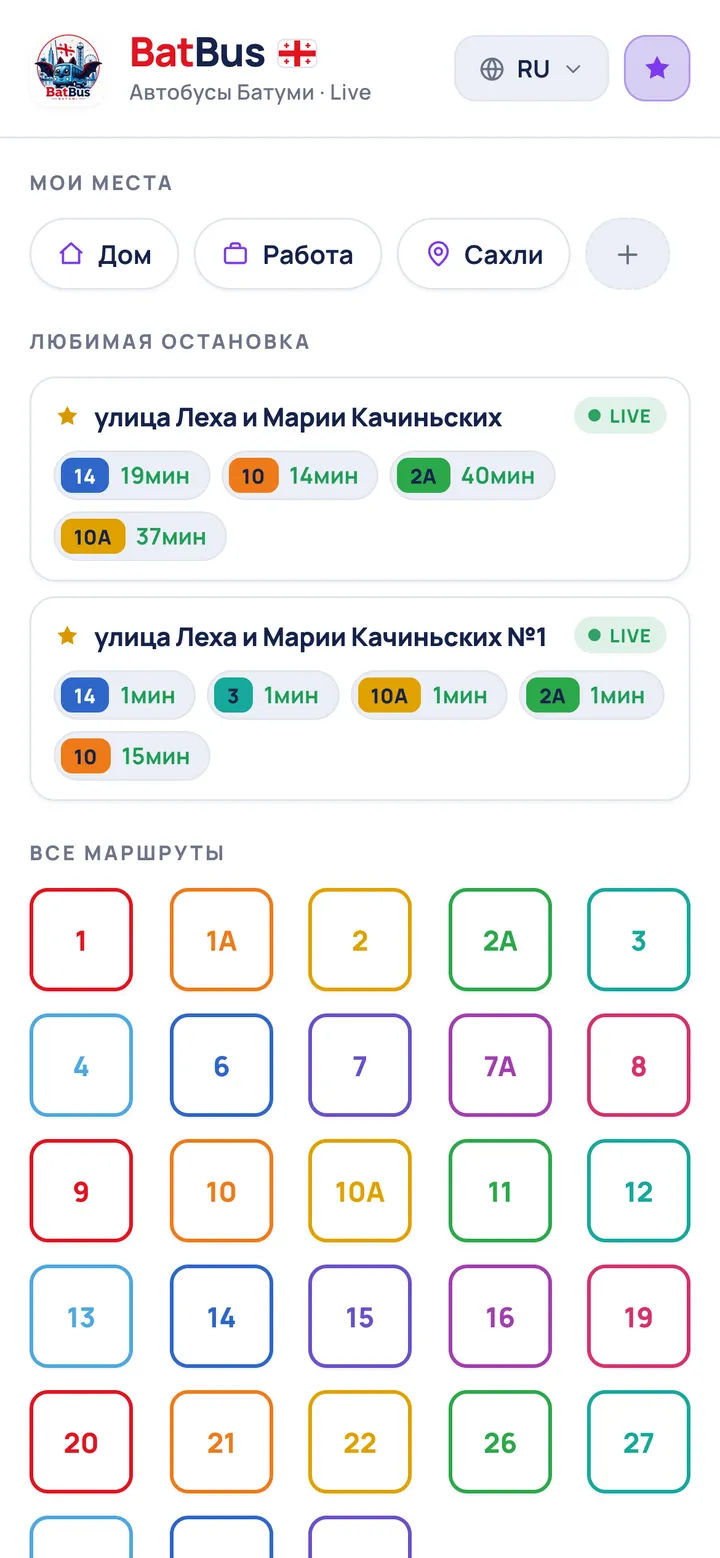 12
12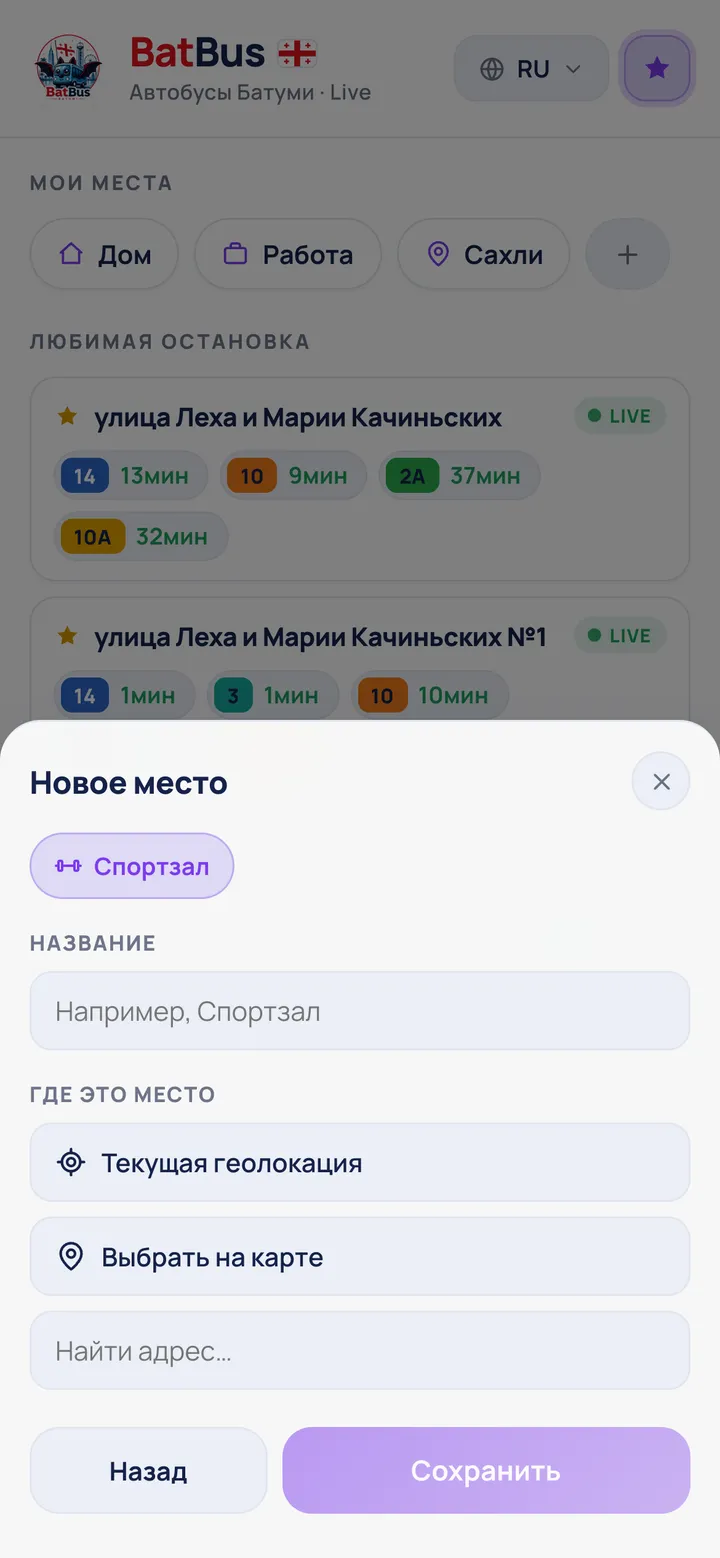 34
34- On the home screen, in “My places”, tap “Add place”.
- Pick a preset (Home, Work, Gym) or type your own name.
- Set the point: “Current location”, “Pick on map”, or search an address.
- Tap “Save”. Now a tap on the place builds a route there (up to 10 places).
- Press and hold a place on the home screen — or tap it in the list — to change its name, icon or point. Delete is right there too.
★ You need to be signed in. “My places” is part of Premium.
ℹ BatBus can spot a place you keep going to and offer to save it — the form opens with the point already filled in.