
Plan a route
The A→B planner tells you which Batumi bus to take and where to change — using where the buses are right now.
 12
12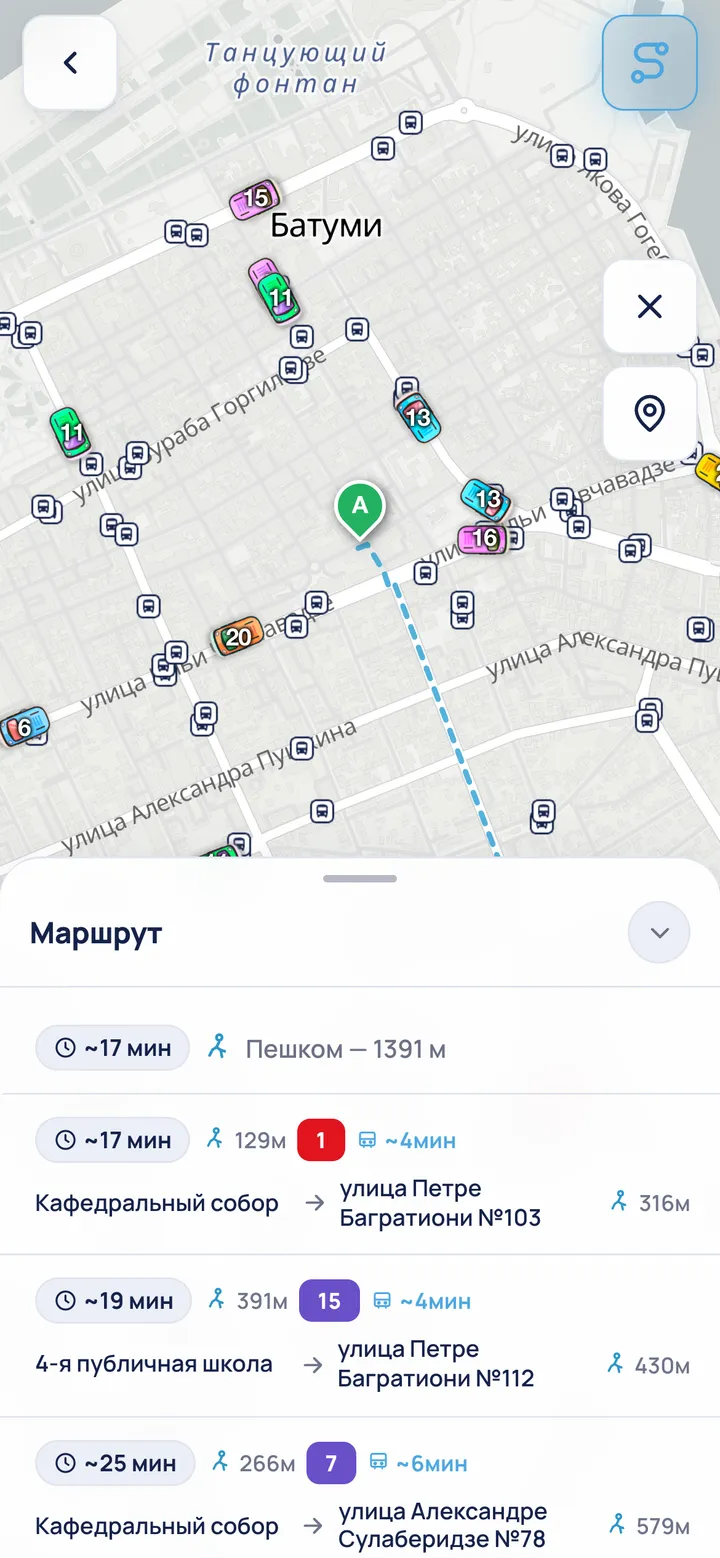 34
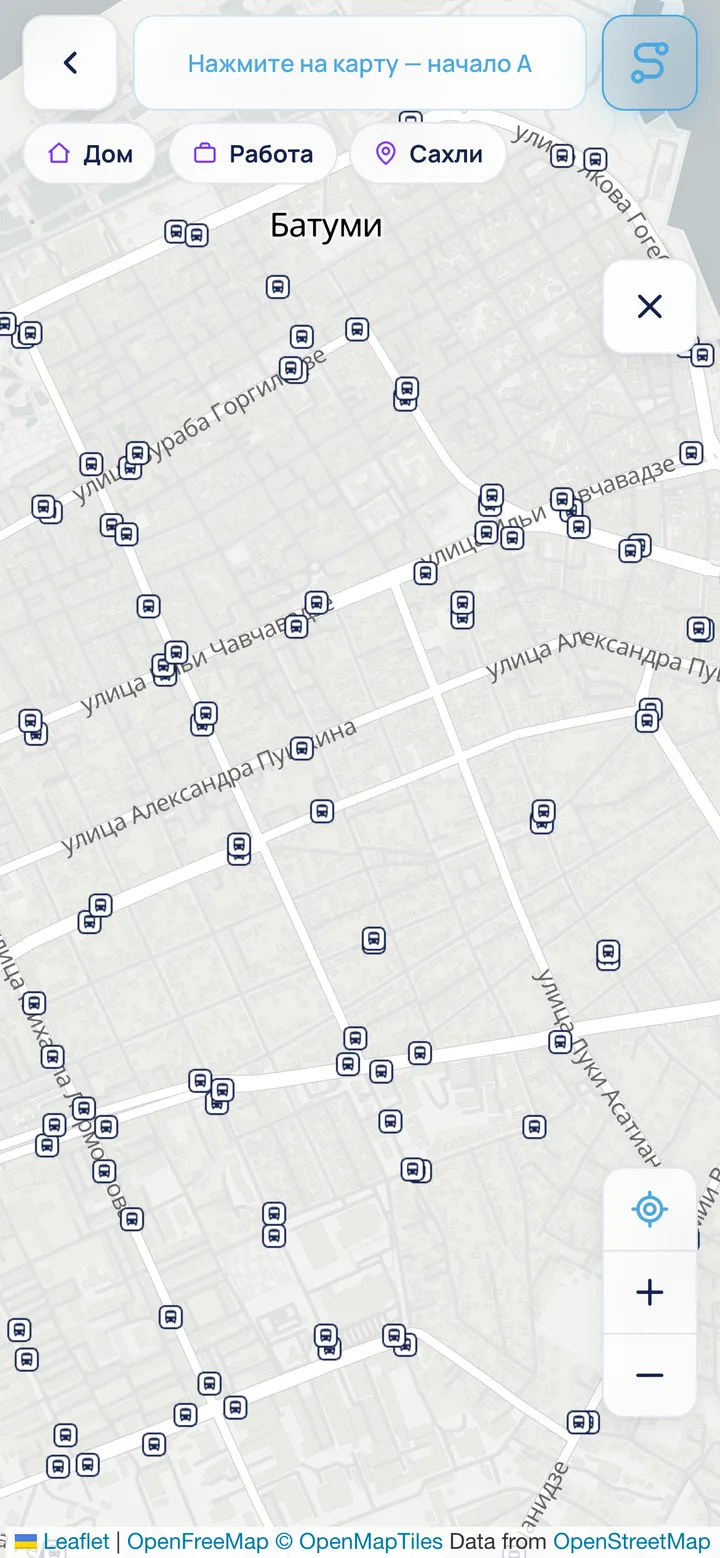
34- Tap the planner button in the top-right corner of the map.
- Tap the map to set point A (start), then again for point B (end). You can also set a point from “My places” or search. A point you have already placed can be dragged to fine-tune it.
- BatBus lists the options sorted by time, factoring in live buses — how long to walk and to wait.
- The coloured badge is the bus number. Tap an option — the route is drawn on the map. Tap it again for the step-by-step breakdown.
- Options longer than an hour are hidden under a separate button. Once expanded, they stay open while live times refresh and close only for a new A→B trip.
ℹ Tapping an empty spot on the map shows what is there — with “Route here” and “Save this place” buttons. You don’t have to turn the planner on first. “Route here” uses your current location for point A; while GPS is resolving, BatBus leaves A empty instead of guessing.